
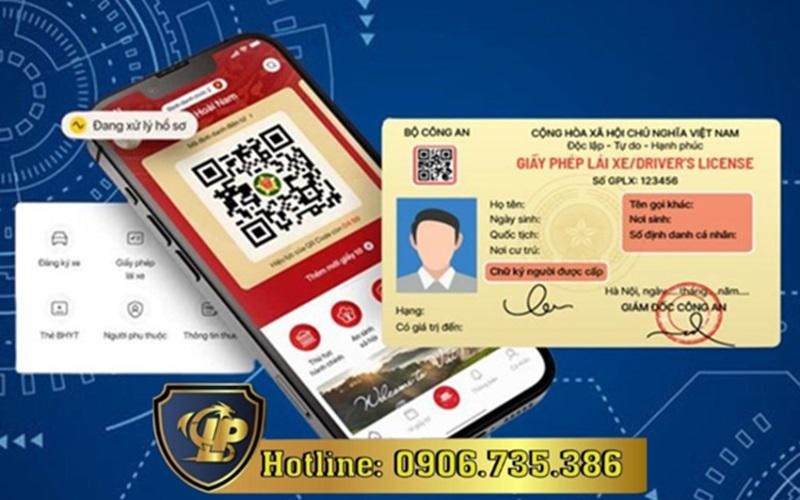
Using the driving license on VNeID making valid documents has become a convenient digital solution for Vietnamese people. With the development of the VNeID electronic identification platform managed by the Ministry of Public Security, the integration and presentation of electronic driving licenses is opening up a trend of modern and convenient document management. The following article will answer in detail issues related to using driver’s licenses on the VNeID application.

To integrate a driver’s license into VNeID, people follow these steps:
Pursuant to Clause 13, Article 33 of Circular 12/2017/TT-BGTVT amended by Clause 24, Article 4 of Circular 05/2024/TT-BGTVT regulating the use and management of driver’s licenses, currently in Vietnam, a valid driving license is one issued by a competent authority, using PET material.
The driver’s license has printed information such as bill number, date of issue and expiration date, which matches the information stored in the driver’s license management system. At the same time, driver’s license information that has been authenticated on the VNeID application will also be recognized as a valid document.
This means that people can present their driving licenses on VNeID instead of hard copies when participating in traffic to avoid being fined.

The steps to present a driver’s license on VNeID are as follows:
At Long Phan, we provide comprehensive support services in integrating documents into VNeID. Our services include:
Integrating documents into VNeID is an important step in the digital transformation process of each citizen. Our service helps you easily, quickly, and securely digitize important documents, save time and enhance the experience of using digital services. Please contact the hotline 0906735386 for professional and timely support.